Import
Notes → Cards
Generate
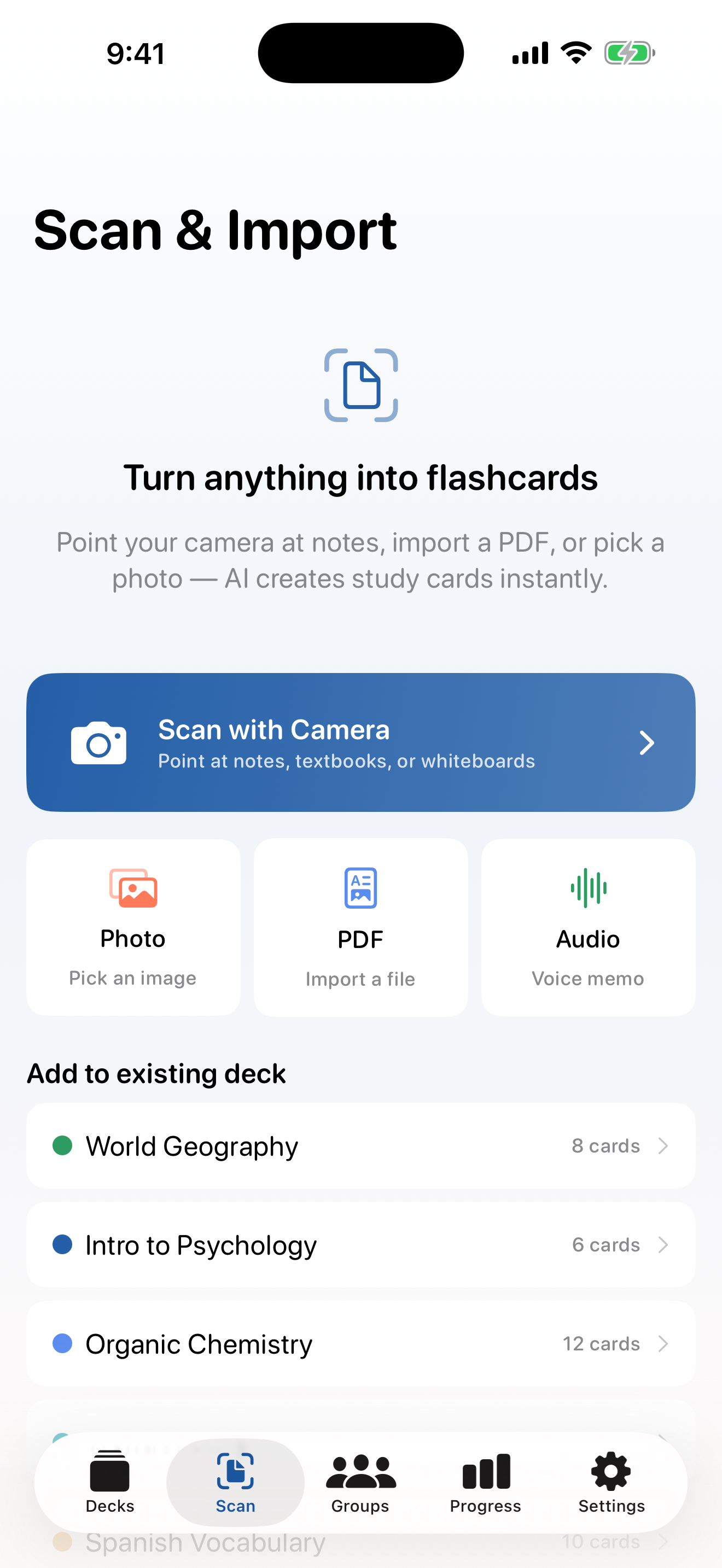
Import notes, PDFs, photos, or browser text and turn them into structured decks.
 StudyDeck
AI Flashcards For Apple Devices
StudyDeck creates flashcards from text, PDFs, and photos, then helps you review with FSRS, multiple study modes, and progress tracking.

Product Preview
Import notes, PDFs, photos, or browser text and turn them into structured decks.
The process cells use to convert nutrients into ATP.
Study with flashcards, written responses, practice tests, and review timing driven by FSRS.
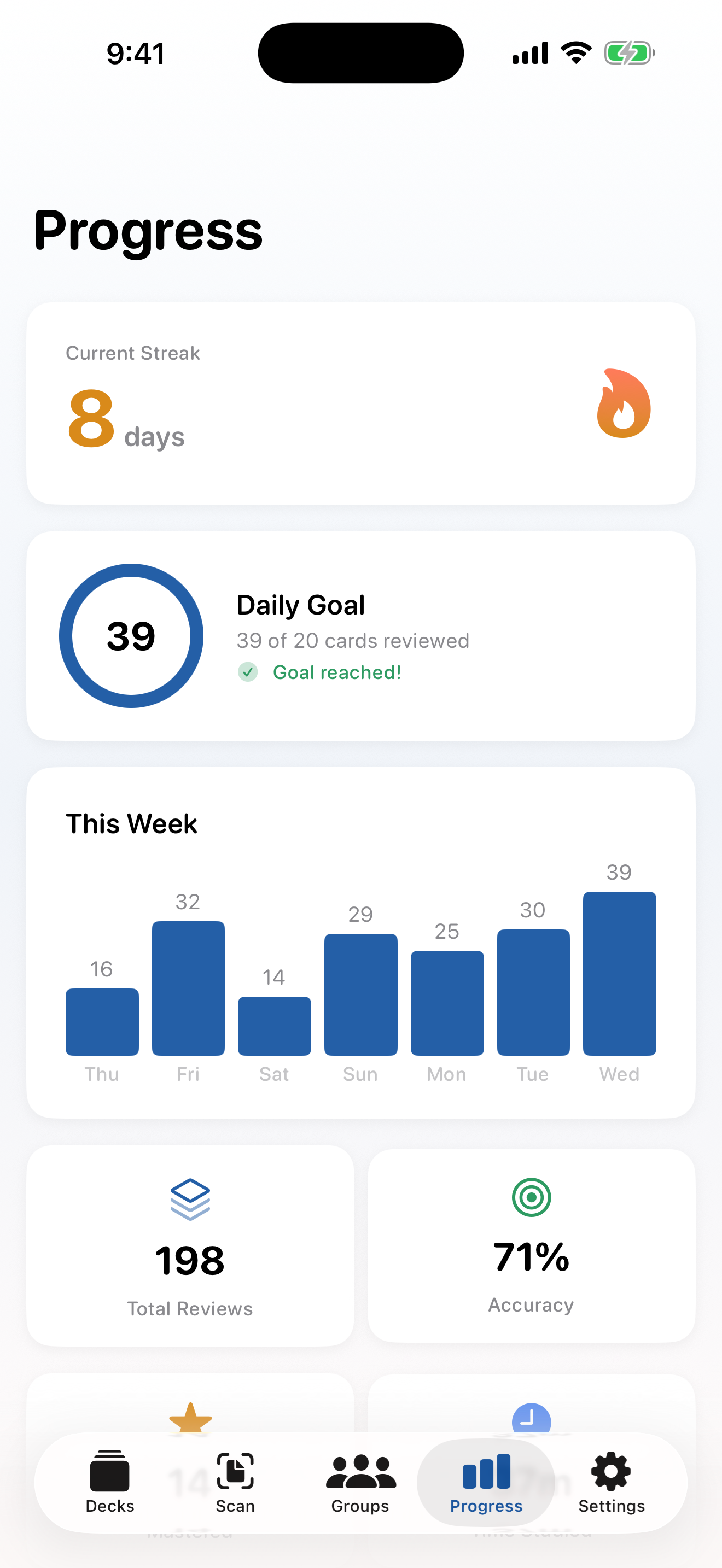
See retention, due cards, streaks, and deck-level progress instead of guessing what to review next.
Features
Notes, PDFs, photos, and browser text
Flashcards, study guides, and tests
FSRS, practice tests, and Audio Quiz
Paste notes, import a PDF, or scan a page instead of rebuilding your study material by hand.
Use on-device AI to turn raw study material into flashcards, practice tests, and study guides.
Switch between flashcards, multiple choice, true/false, written response, FSRS review, and practice tests, with Audio Quiz available on iPhone.
StudyDeck uses FSRS v5 to schedule reviews based on how well you know each card.
See what is due, what is mastered, and where your study streak and retention are trending.
StudyDeck is built around local and on-device processing instead of sending study material into a web dashboard.
Create mixed-format tests from deck content when you want something closer to exam conditions than a card-by-card session.
Use streaks, retention, and deck-level progress to see which material is actually improving and what still needs review.
StudyDeck supports Apple-platform workflows across iPhone, iPad, and Mac, with sync and sharing features handled inside the app experience.
Study Modes
Fast active recall for facts, vocab, and definitions.
Check understanding with plausible distractors.
Quick confidence checks for core concepts.
Type answers when you need more than recognition.
See the right cards at the right time for retention.
Move from isolated cards to test-style review.
Hands-free review on iPhone. Perfect for commutes.
Plans
Manual flashcards, all study modes, and monthly limits for AI generation, practice tests, study guides, PDF imports, and photo imports.
See localized Premium pricing on the App Store.
Screenshots
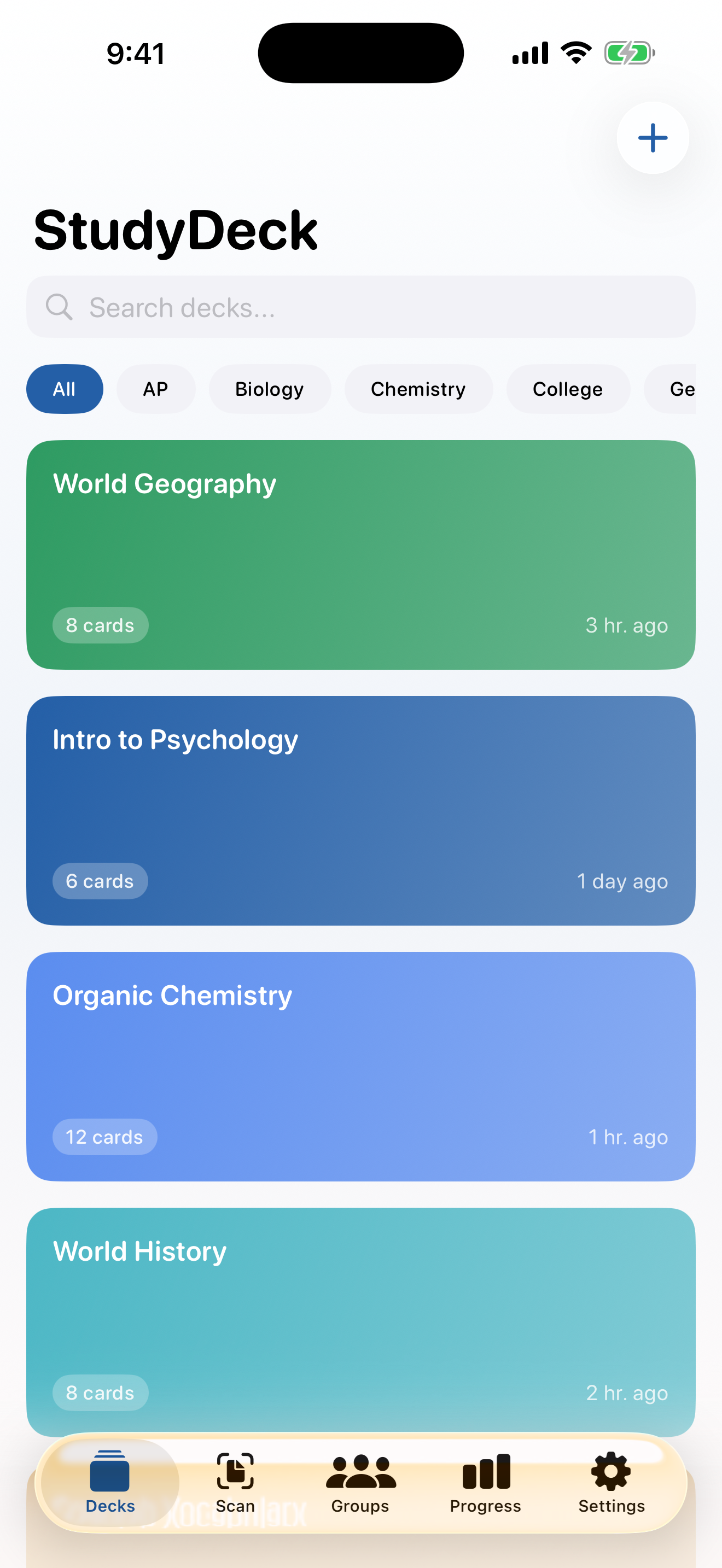
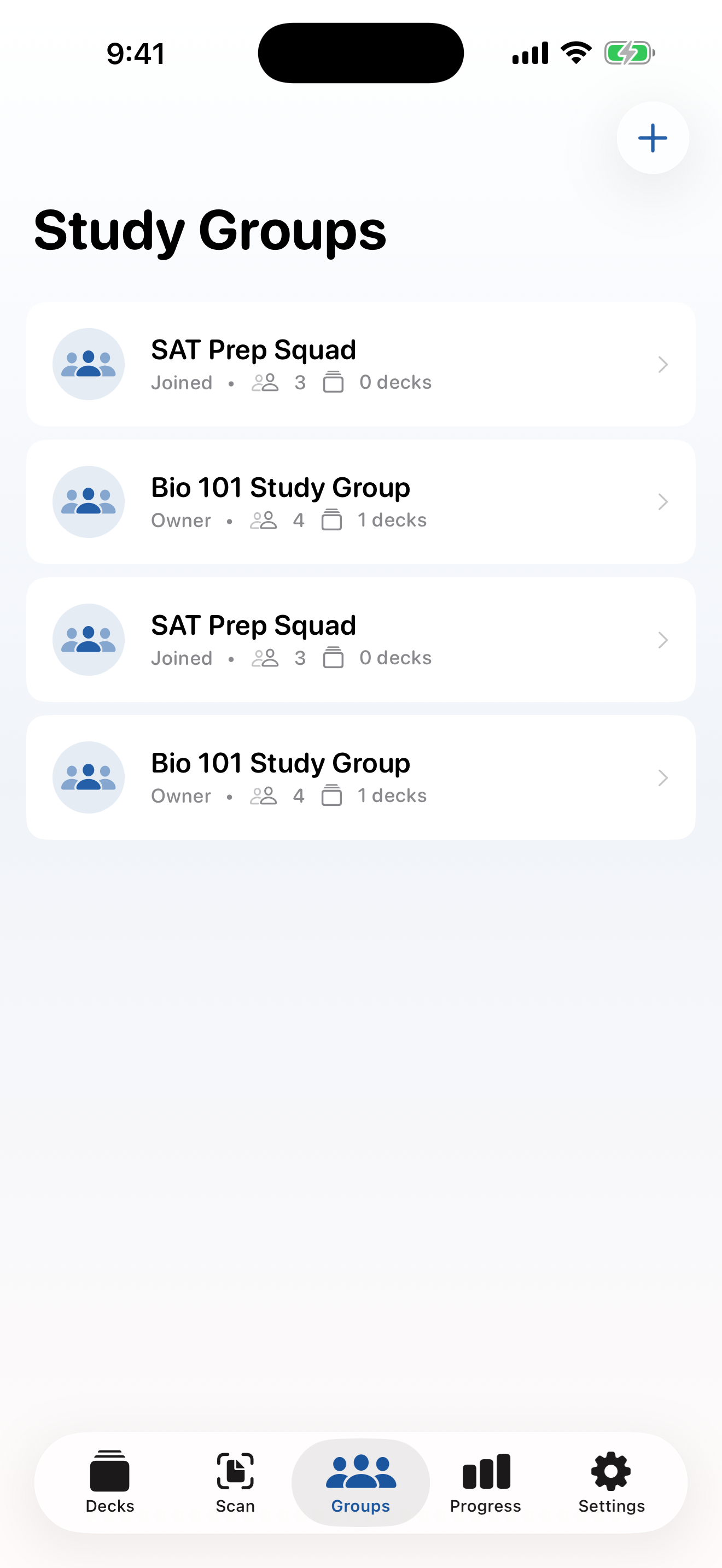
Scan notes, review your decks, track progress, and study with your group in a layout built for focus.
Get Started
Available on iPhone, iPad, and Mac. Free to start with a 7-day premium trial.